ZWCAD - DWG-Compatible
CAD for Better Productivity

A powerful CAD software for 2D drafting and 3D navigation with seamless
DWG compatibility, enabling smooth collaboration across industries.

Authorized ZWSOFT Reseller

"Official ZWSOFT Reseller in Cyprus and Greece with local technical support and software implementation assistance."

We are proud to be an Authorized Reseller of ZWSOFT, providing industry-leading CAD solutions tailored to your needs. As a trusted partner, we offer expert guidance, competitive pricing, and dedicated support to ensure you get the most out of your software investment. Whether you’re in architecture, engineering, or manufacturing, we are here to help you streamline your workflow with powerful, cost-effective design tools.

What's ZWCAD?

Powerful CAD Solution

Tailored to Your Needs

ZWCAD is a powerful CAD solution for complex 2D drafting and advanced 3D navigation. Widely compatible with DWG and other major formats, it enables seamless collaboration across industries. With an intuitive interface, efficiency-boosting features, and AI-powered tools, ZWCAD helps architects, engineers, and designers bring their ideas to life without limits and confidently shape the future.

Why ZWCAD?

Compatible, Efficient, and Intuitive:

Get Started with ZWCAD in No Time

Compatible

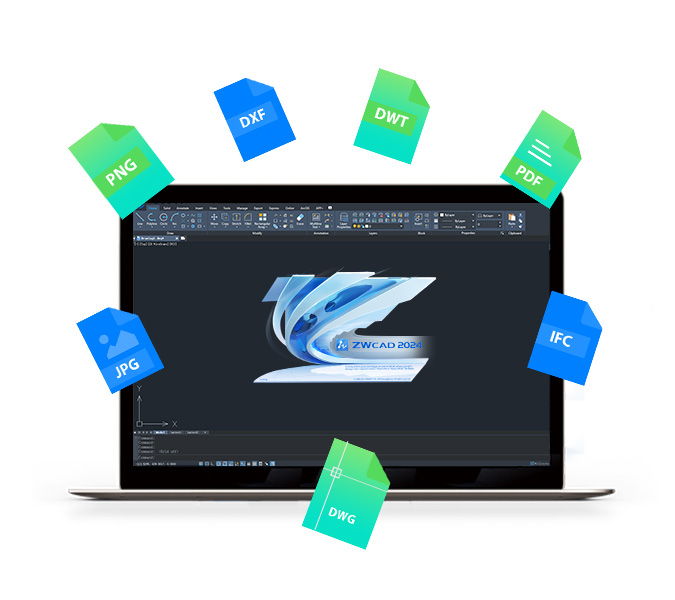
Highly compatible with DWG, DXF, DWT, and other common file formats.

Familiar Environme

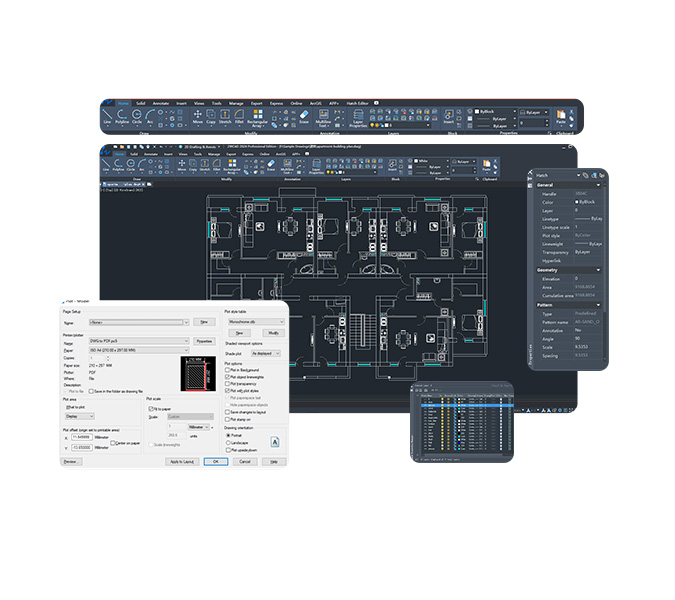
Familiar interface, commands and aliases. Choose from Classic or Ribbon, Dark or Light.

Customizable

Develop or migrate third-party applications easily with APIs including LISP, VBA, ZRX, and .NET.ne-step

Migration

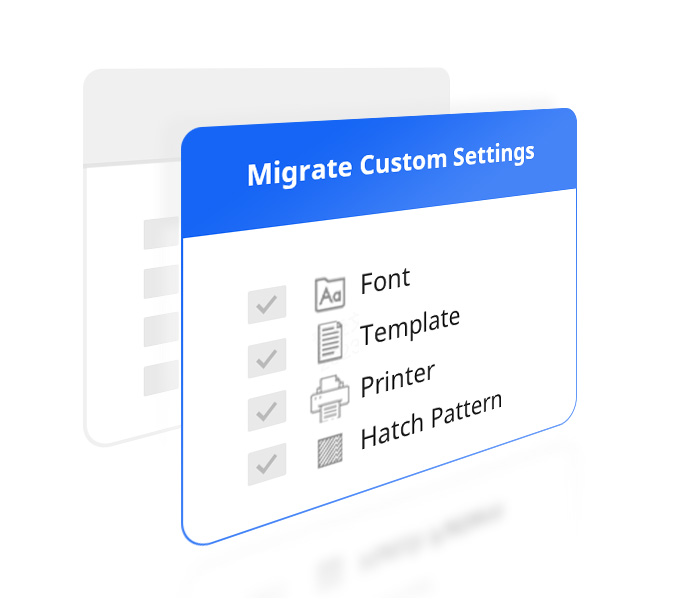
Easily migrate your printers, templates, fonts, command alias and hatch patterns.

Comparison with AutoCAD®

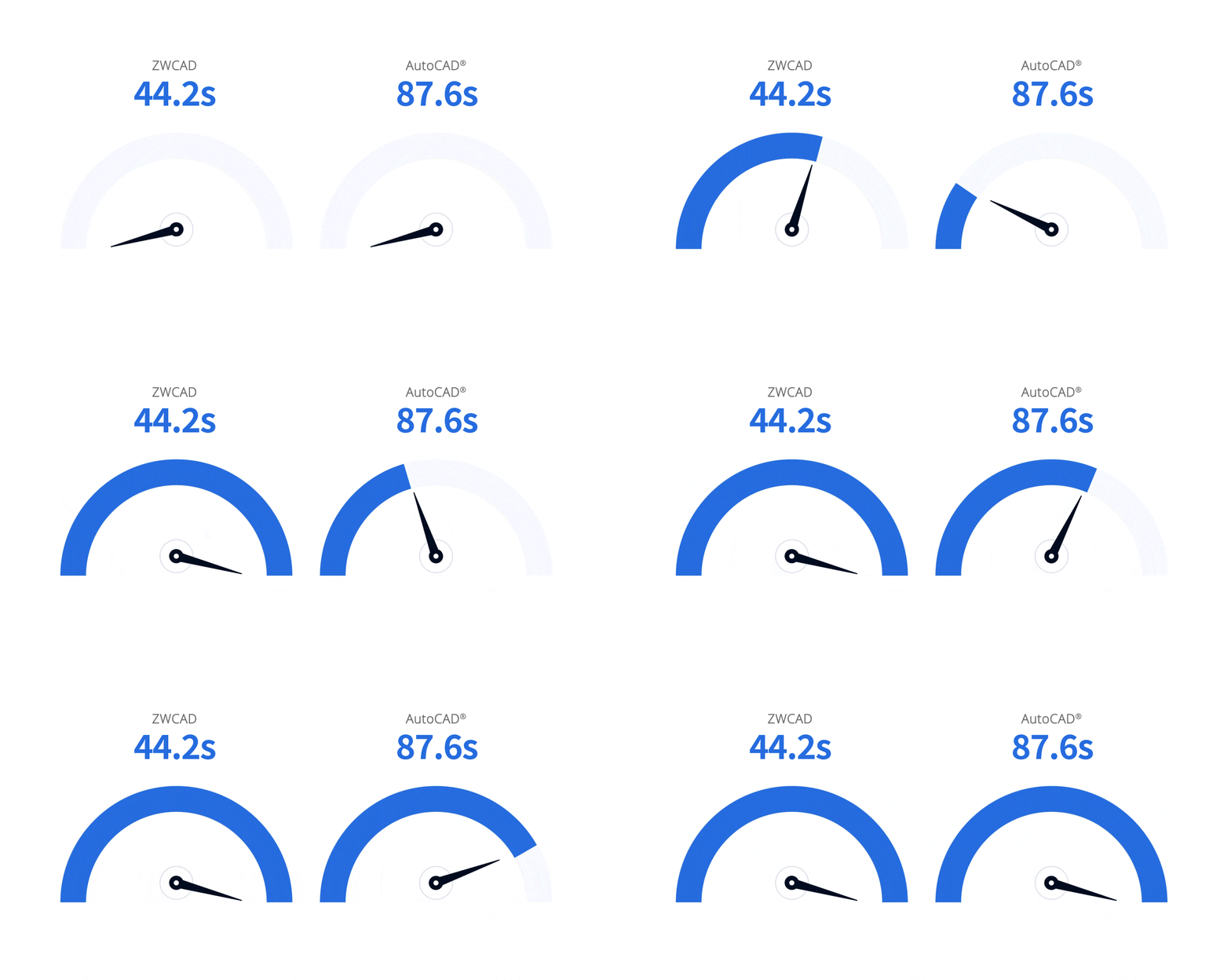
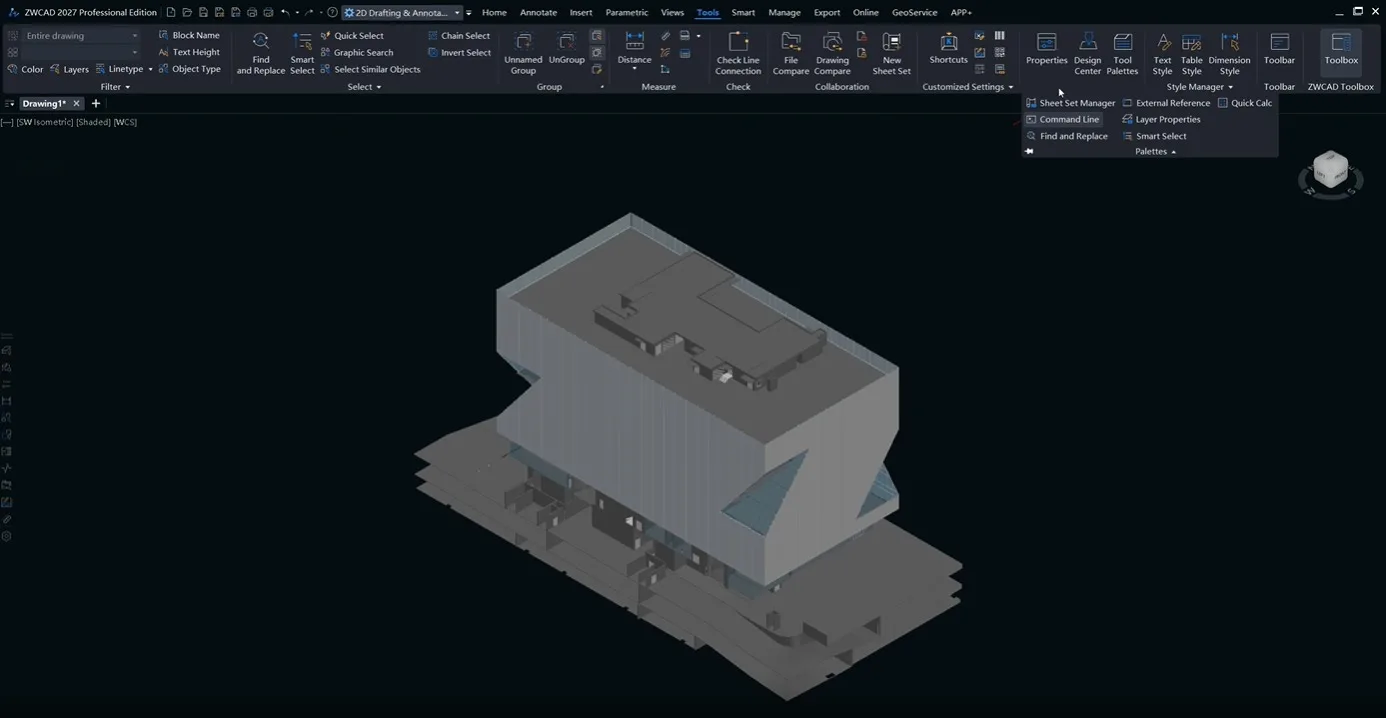
ZWCAD delivers outstanding performance in both 2D drafting and 3D navigation, helping professionals work faster and more effectively.

1.98x as fast as AutoCAD®

*This graph shows performance test results for 2D drafting operations (Open, Pan, Zoom, etc.) on 500+ DWG files (0.017M-1237.66M). Tests used Windows 10 64-bit, i7 CPU, NVIDIA GeForce RTX 3060 graphics card, and 32GB RAM. Note: Results may vary with different hardware/configurations.

Switch From AutoCAD® Without Slowing Down Your Team

Advanced 3D Navigation
3x as fast as AutoCad®

See for yourself why you should choose ZWCAD over AutoCAD®

Calculus Engineering helps teams seamlessly migrate templates, layouts, shortcuts, and CAD workflows with minimal disruption and downtime.

Powerful and Fast CAD: Do More in Less Time

ZWCAD is packed with all the features you need to get your work done. But that’s not all – we’ve also included advanced features like Flexiblock to help you tackle complex tasks easily. And with our innovative Smart series, you can streamline your workflow like never before.

Seamless DWG Compatibility: Reading, saving, and sharing drawings are guaranteed to be lossless and easy.

Familiar Interfaces: You are free to choose from the familiar Classic and Ribbon interfaces (Perpetual license without subscription).

Easy-to-Use Commands: Get started immediately with the intuitive CAD commands and alias

GIS, Survey
and Mapping
GIS, Survey and Mapping
Civil
Civil
Architecture
Architecture
Construction
Construction
Structural
Structural
Mechanical
Mechanical
HVAC Design
HVAC Design
Electrical
Electrical
Plant Design
Plant Design

Power Up Your CAD with Abundant Third-Party Applications

We offer over 200 third-party applications for a wide range of industries. No matter what industry you’re in, you can always find the right solution to help you work easier, faster, and more accurately.

Our platform supports rich APIs including LISP, VBA, ZRX, and .NET, enabling developers to migrate or build applications with ease.

Top Features

RVT Import
Supports importing RVT files (versions 2015–2025), retains partial model properties, and allows model management via the layer manager.
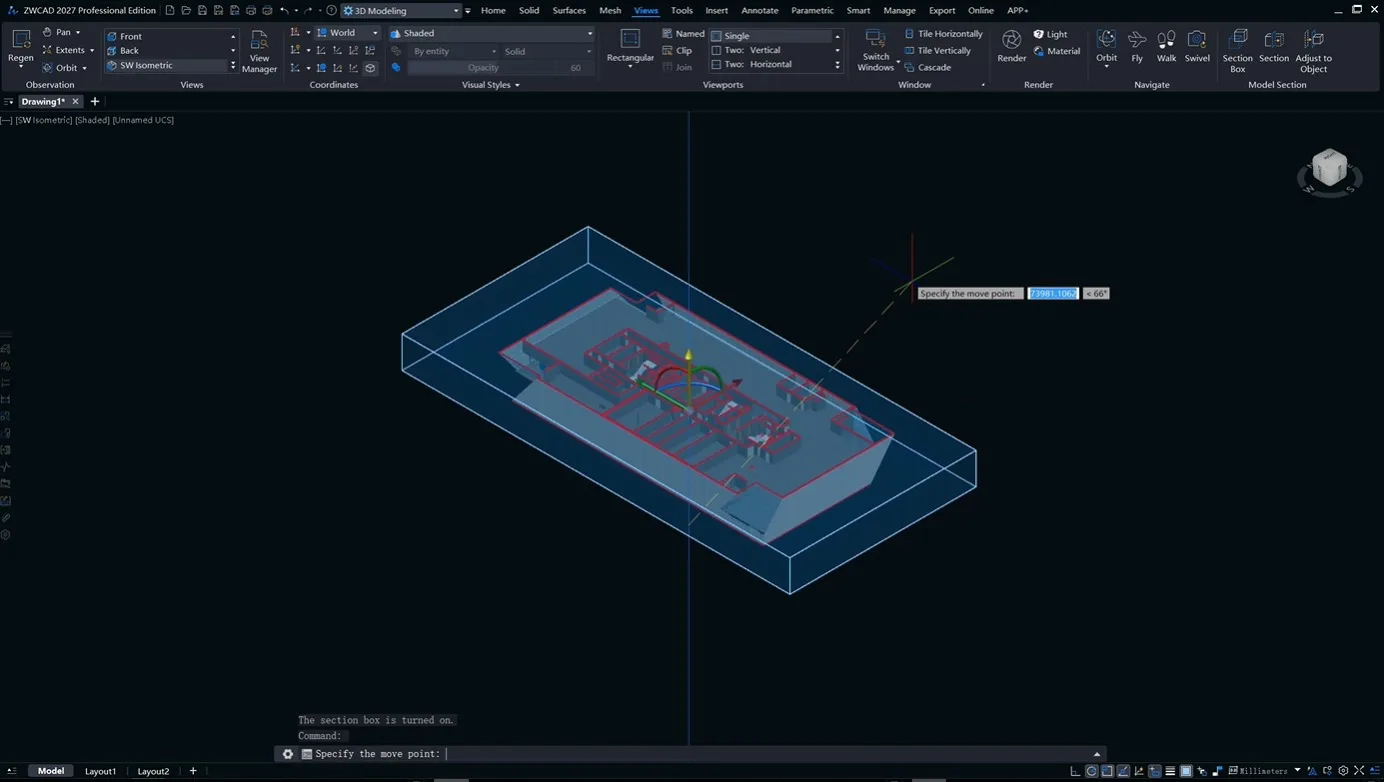
Section View

Supports browsing 3D models by sectioning them in the form of box and plane.

Data Extraction

The data extraction process has been restructured to support batch extraction from multiple files, more objects and properties, and reusable templates, significantly improving overall efficiency.

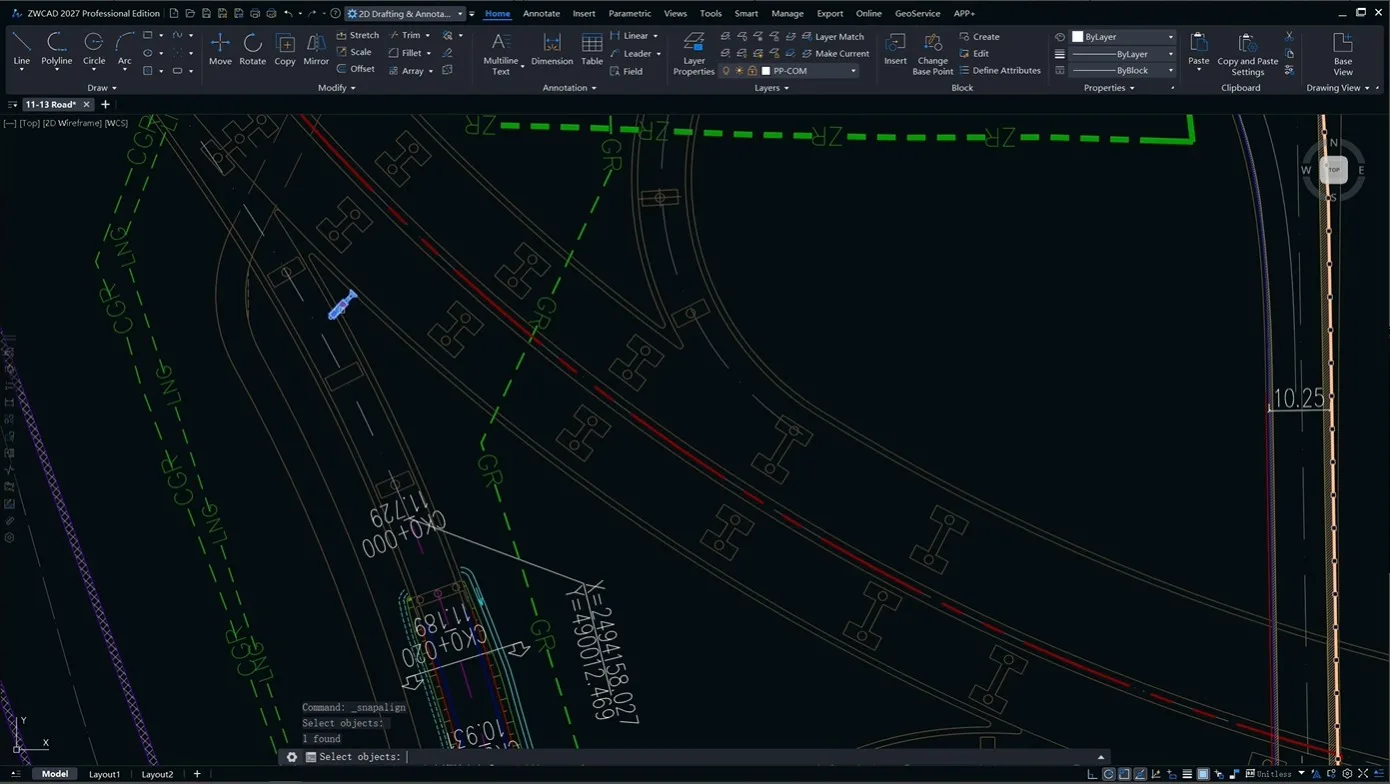
Snap Align

Automatically rotate and align the bounds and base point of a block or selection set with the tangent lines and feature points of the target object.

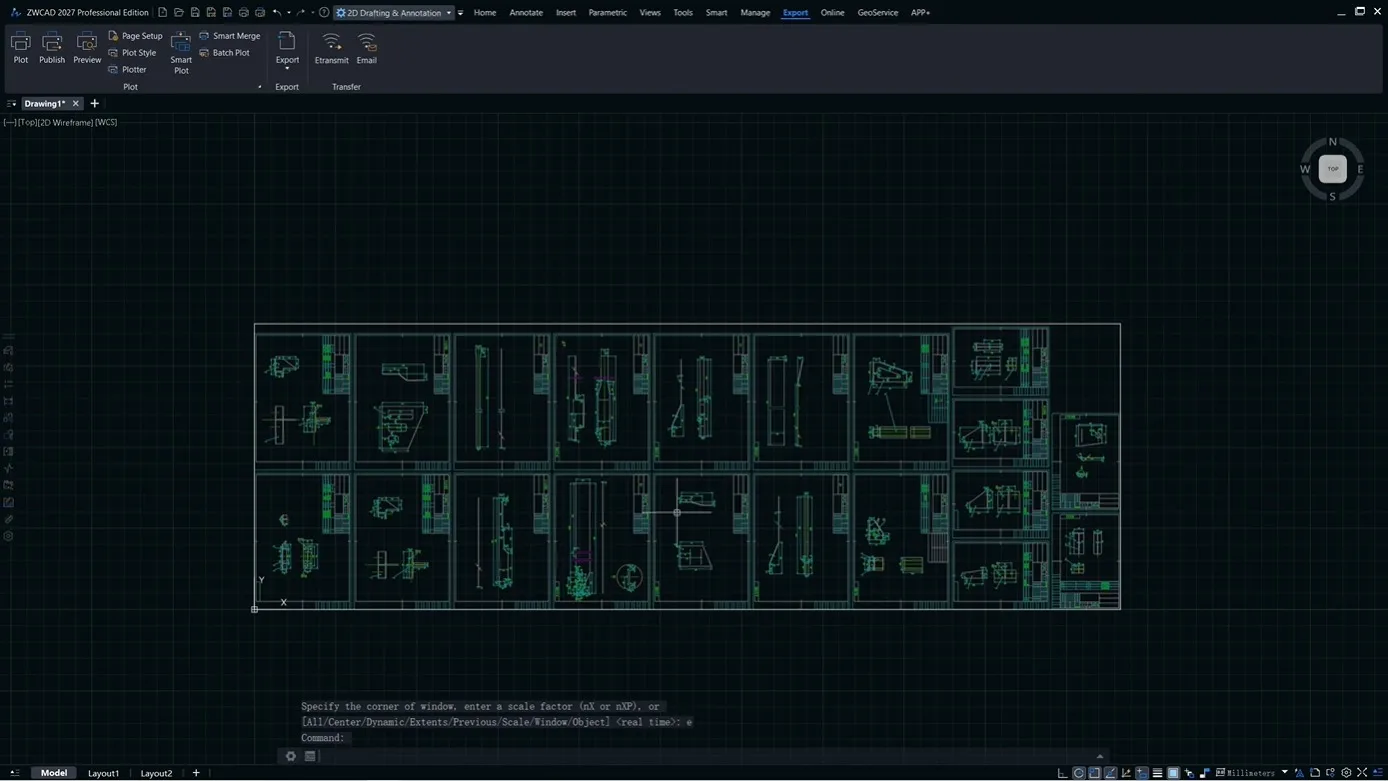
Smart Merge

Supports horizontal/vertical arrangement with auto-wrap and optimal frame-matching calculation to quickly organize multiple drawings into a single orderly sheet.
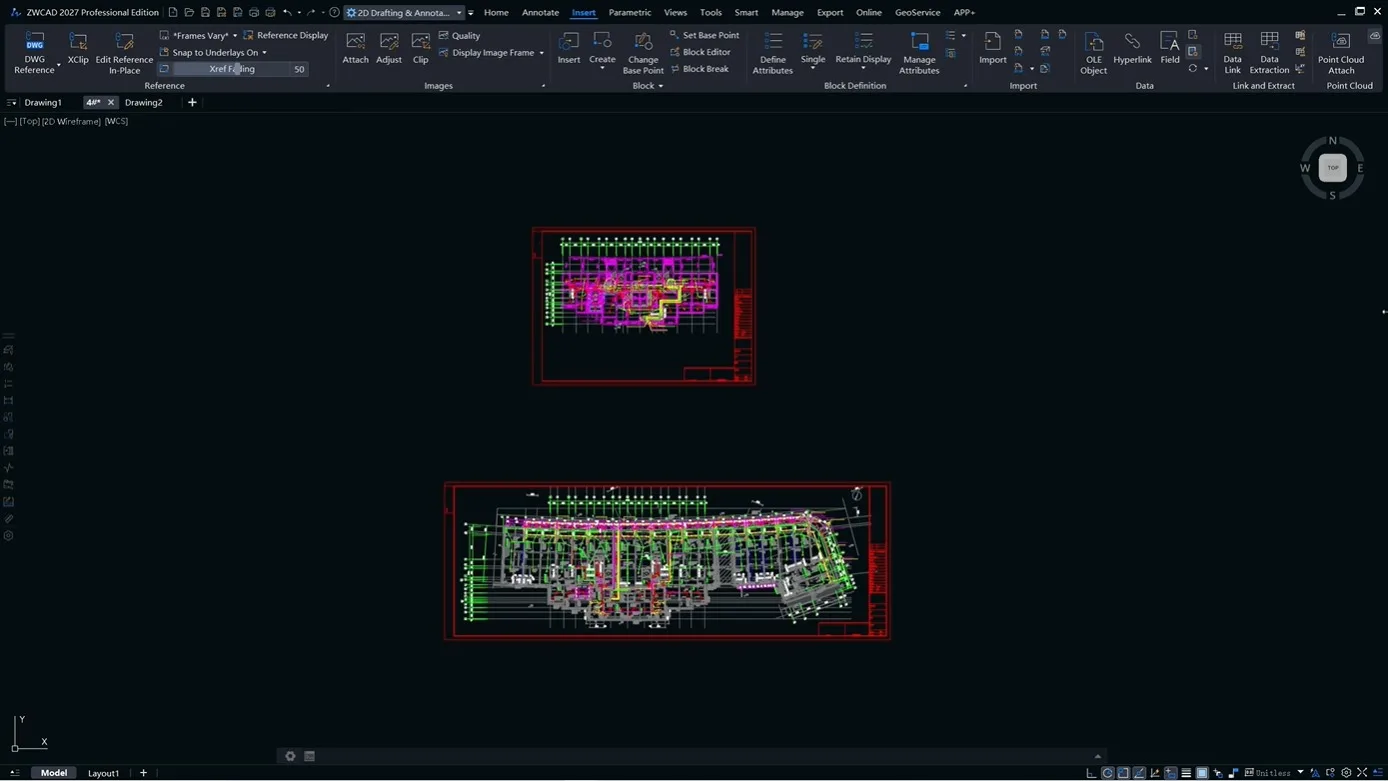
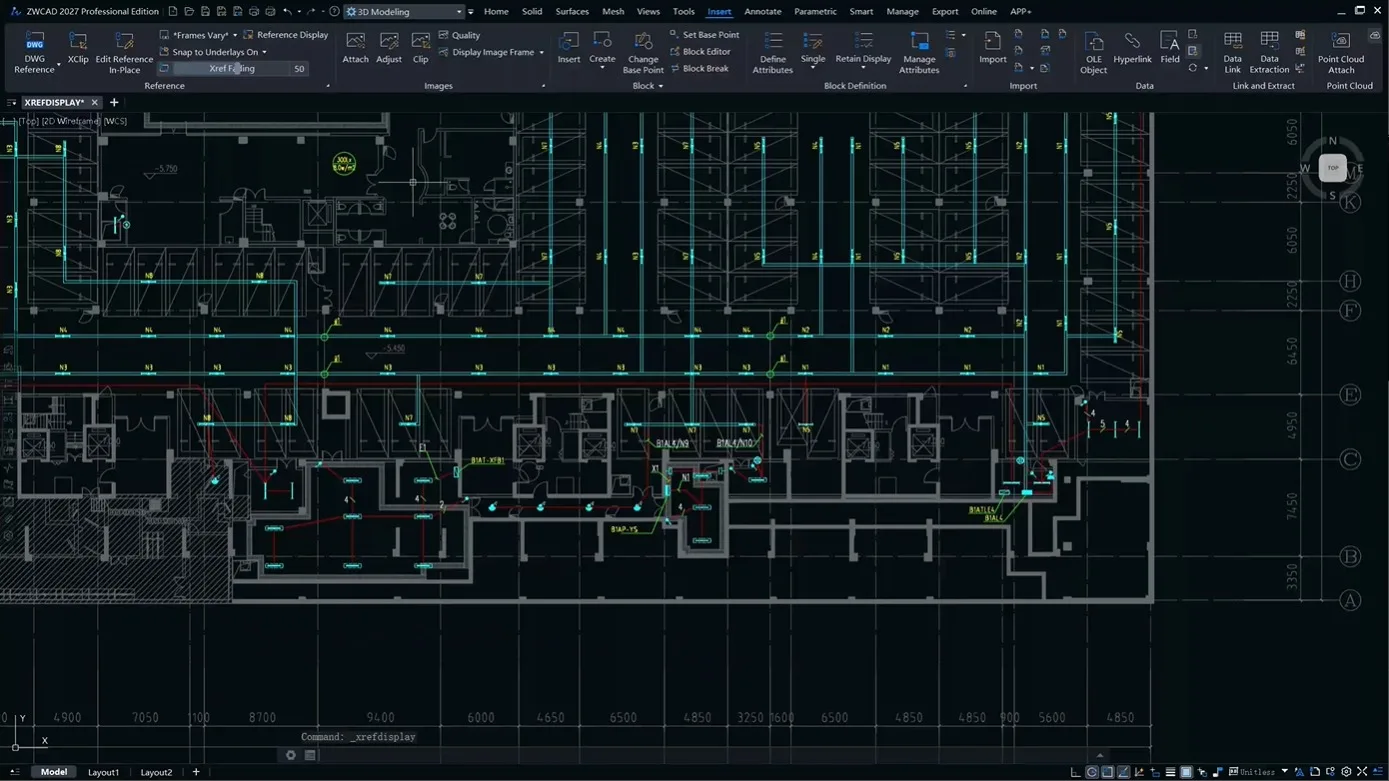
Xref Display

Batch set the layer color for all external references, or filter Xref layers by rules and override layer properties.

Why Companies Are Switching to ZWCAD

Feature ZWCAD AutoCAD®
Native DWG Support
Yes
Yes
Familiar Interface
Yes
Yes
LISP Support
Yes
Yes
Licensing
Perpetual
Subscription
Total 3-Year Cost
Lower
Higher
Long-Term Cost
Lower
Higher
"Reduce long-term CAD software costs without changing the way your engineering team works."

Flexiblock

Speed up your workflow with Flexiblock that contains parameters and actions. Plus, It can be created or edited to fit your needs.

Sheet Set Manager

View, access, manage, and plot multiple drawings. All of them can be done in one panel.

Point Cloud

Process point cloud data in ZWCAD easily to improve design accuracy. You can attach, manage, and edit them such as cropping and creating section plans.

Raster to Vector Conversion

It can convert raster images to CAD objects easily, saving the time spent on converting paper drawings to DWG files.

Tool Palettes

Drag and use mechanical, architectural, electrical blocks; store custom blocks.

Quick Properties panel

View and edit properties easily with Quick Properties Panel. The panel can be customized to fit your needs.

File Compare

Spot the differences between two drawings at once.

Data Extraction

Create and update tables made with data of objects for better data organization and analysis.

Digital Signature

Ensure original and reliable source of drawing data.

Settings Migration

Migrate customized settings from earlier versions (ZWCAD 2018/2019) to the latest version.

Power Up Your CAD with Abundant Third-Party Applications

Perpetual License, No Forced Subscription

Perpetual License

Buy it once, own it forever. No more worrying about costly and repeatedly charged subscription fees.

Flexible License

Choose from stand-alone or network licenses. Whether you’re an individual or a large team, we have the right option for you.

Flexible Upgrade

Upgrade to the latest version at any time to enjoy the latest features and enhancements.

Trusted by Millions Around the World

From architects to engineers, professionals in more than 90 countries are switching to ZWCAD for better performance and lower costs.

Have Any Questions?

Our team of experts is here to provide you with the answers and advice you need.

ZWCAD - Beyond AutoCAD®Alternative

ZWCAD is your best go-to CAD choice with unrivaled DWG compatibility, familiar user interface, super-fast speed, and affordable perpetual licensing.

From $899, you own it forever

X
Welcome to Calculus Engineering
Scroll to Top